Using dd to write an .iso to a USB drive

dd is one of those commands for which I have to look up proper usage every usage because I use it regularly but not often. As such, this is a public note-to-self, which may or may not be useful to the reader. Prerequisites The dd binary is, to my knowledge, included on macOS and all major Linux distributions. Writing the file dd if= of= status=progress The if option tells dd to read from the provided path instead of stdin. The of option tells dd to write to the provided path instead of stdout. The status option tells dd to show periodic transfer statistics. The status option is primarily included because the program can otherwise seem unresponsive upon writing large .iso files, as the transfer to disk can take several minutes to complete. ...
September 14, 2025 · 1 min · Kristoffer Opsahl
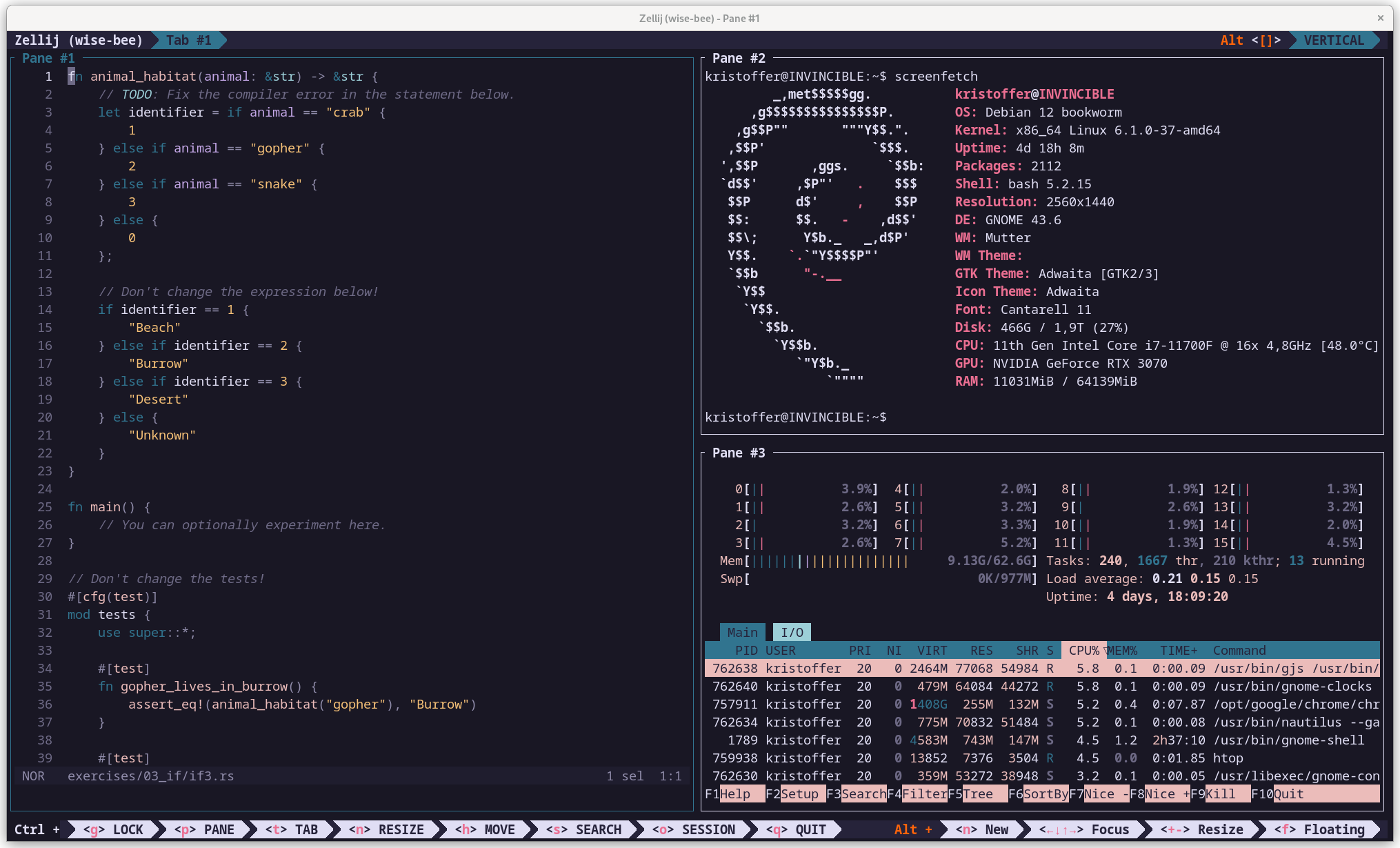
My Alacritty, Zellij, and Helix Development Setup

My Alacritty, Zellij, and Helix Development Setup

This article is a public note-to-self where I’ll go through the basic configuration I use to get new computers ready for programming in just a couple of minutes. It is centered around the following pieces of software: Alacritty, a terminal. Zellij, a terminal multiplexer. Helix, a text-editor with support for LSP, and tree-sitter. In my selection process, I heavily emphasized performance, as I strongly dislike when my IDE can’t keep up with my thoughts. I also favored software with sane defaults, such that almost zero configuration is required for great usability. The programs are free, cross-platform, open-source, and they all happen to be written in Rust. ...

July 7, 2025 · 4 min · Kristoffer Opsahl